
Record or upload a clip
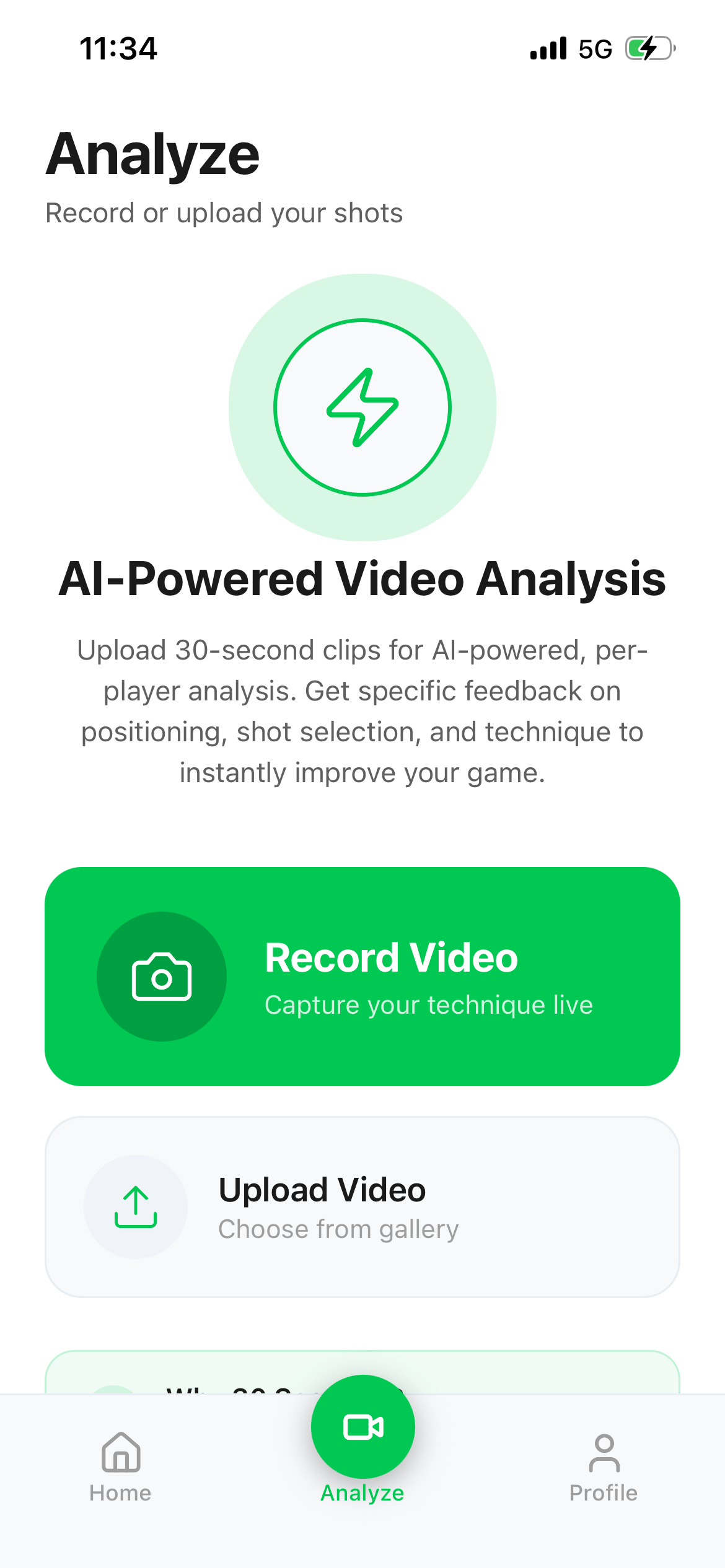
Open Analyze and record in the app or choose a video from your library. Keep it to 30 seconds or less and show a clear rally, with the players and court in view.
How it works
Show the app a short clip of your own play. It reviews what is visible, gives you a coaching focus, and helps you put that feedback to work on court.
Your own footage → AI coaching report → a clearer focus for next time
The process
You can start with a rally from practice or a match. A clear, focused clip gives the analysis more to work with.
Open Analyze and record in the app or choose a video from your library. Keep it to 30 seconds or less and show a clear rally, with the players and court in view.
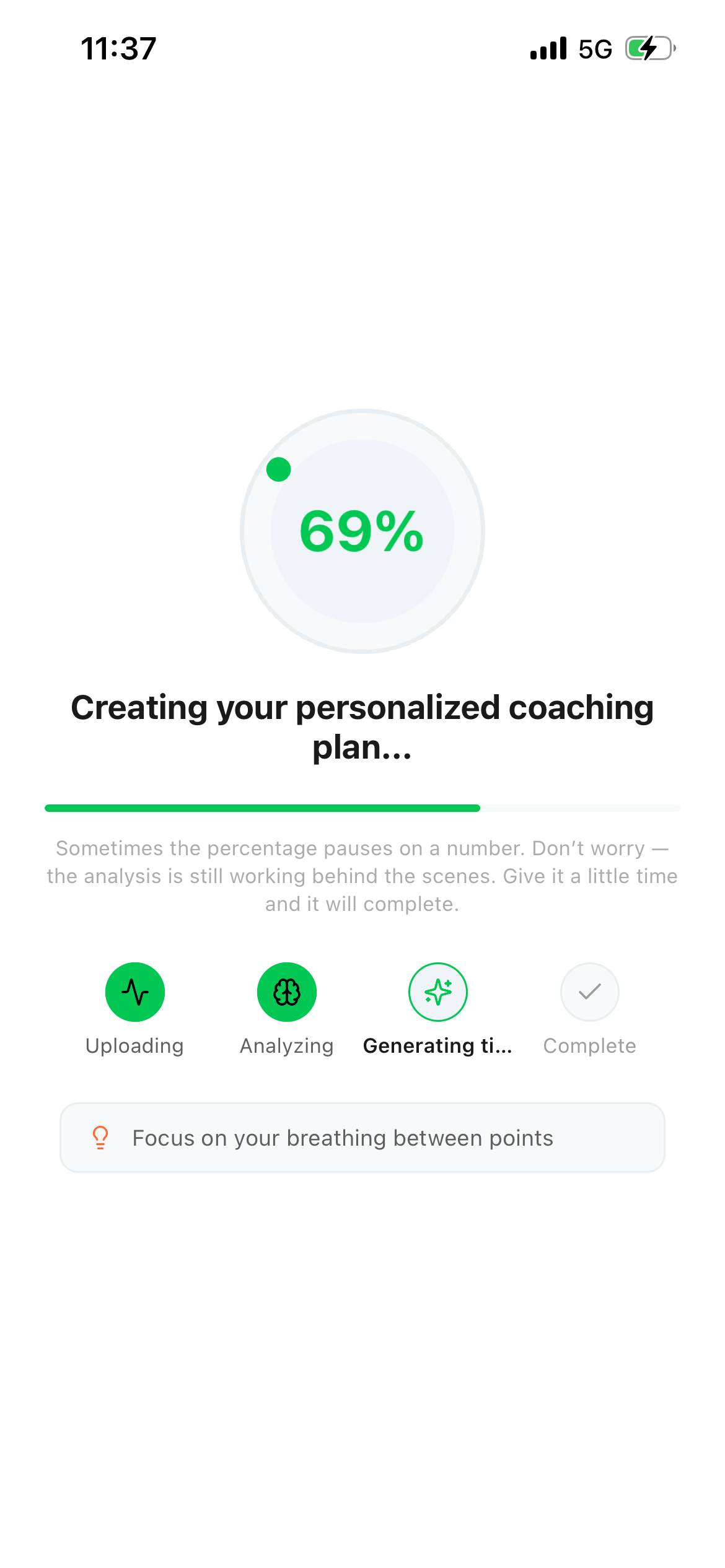
The app uploads your clip for analysis. The AI examines the visible players, rally phase, movement, positioning, and shot choices. It checks the scene before turning those observations into coaching feedback.
Start with the main focus for your next session. Then explore the overall assessment, strengths, areas to improve, and specific moments from the clip when available. A fuller breakdown can include tactical and player observations.
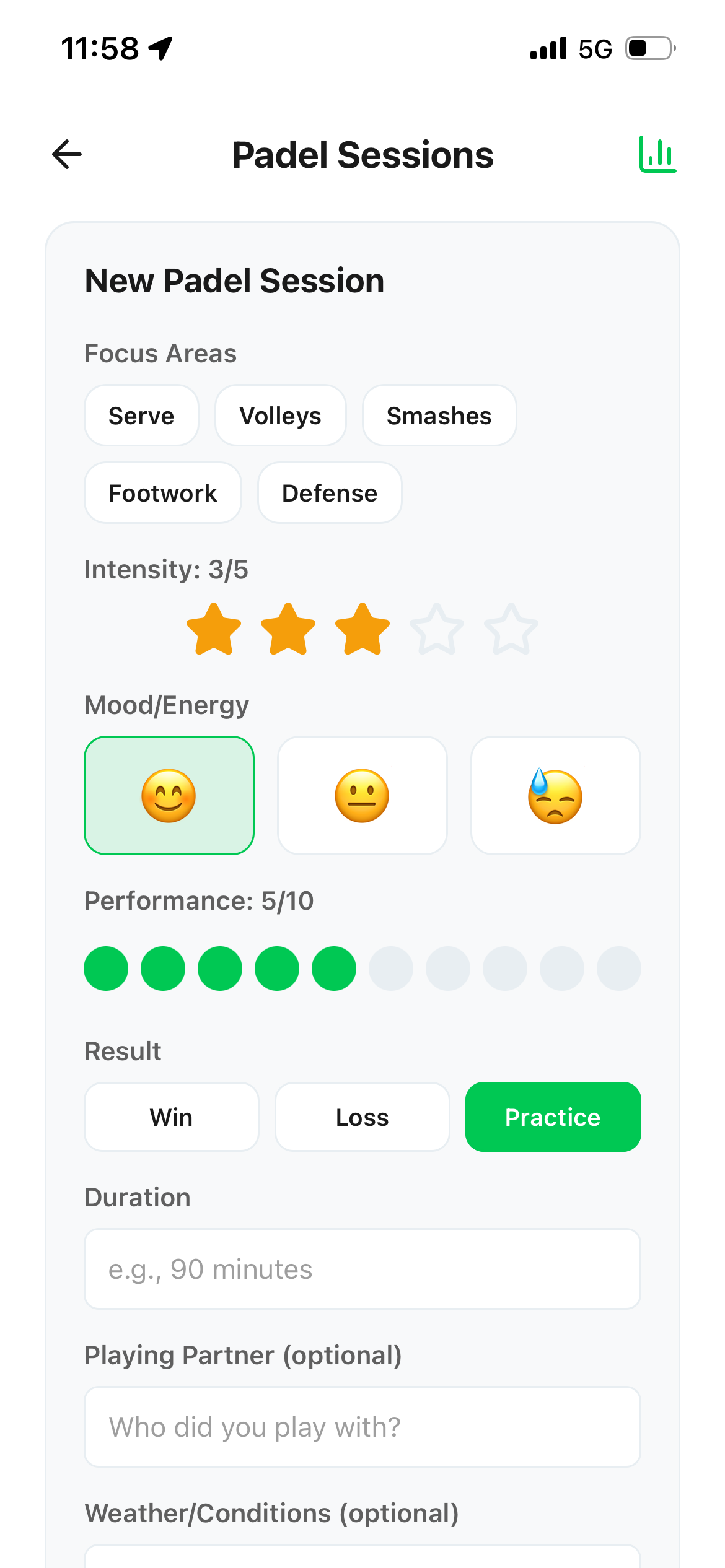
Use the report to pick one practical focus. After your next session, log what you worked on and upload another clip to see how your play develops.
Inside the analysis
The AI looks at the video itself, then checks its reading of the scene before writing the coaching advice. That helps keep the report tied to what can actually be seen.
Player count, the stage of the rally, movement rhythm, court position, and visible racket and shot moments.
An overall assessment, a priority to work on, useful observations, and coaching moments where the clip supports them.
Camera angle and visibility matter. If a ball, player, or outcome cannot be seen clearly, the feedback may be more limited.
Your coaching report
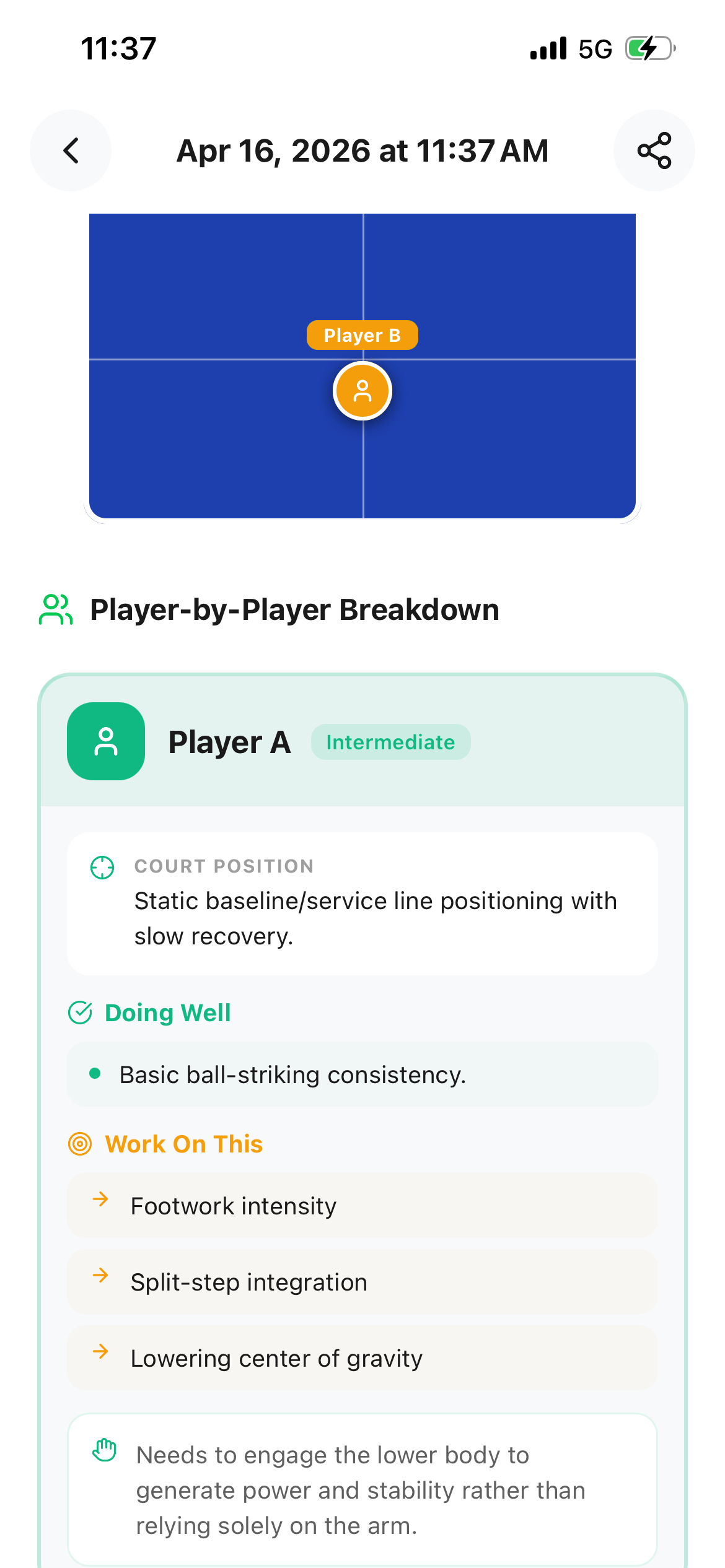
This example report separates a player's court position, what they are doing well, and what to work on next. Here, the suggestions include footwork intensity, the split-step, and body position.
The short view highlights a useful priority for your next session.
Open the full report for supporting observations, coaching moments, and a deeper tactical breakdown when the clip provides enough evidence.
Feedback depends on what the camera captures. Review the relevant moment and take the points that fit your play into practice.
After the report
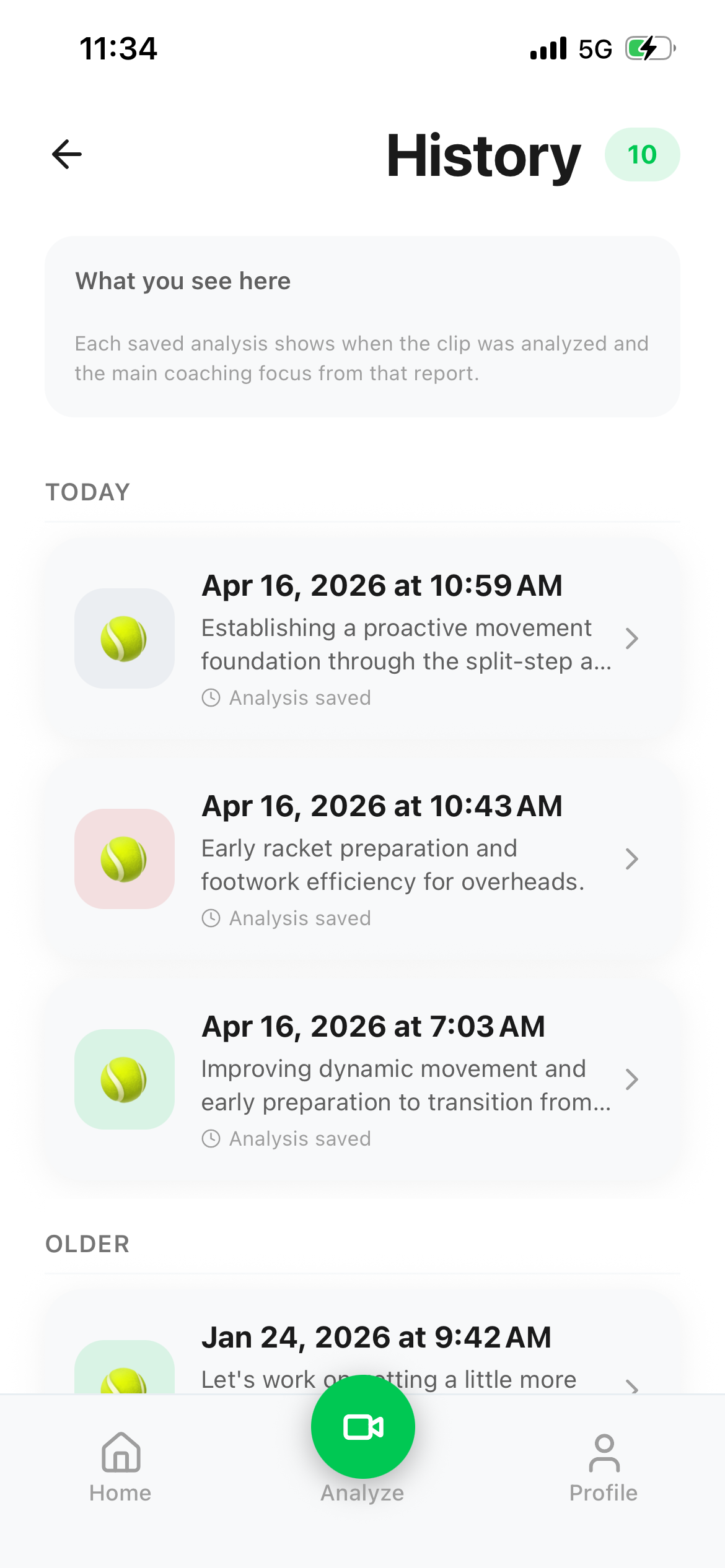
The first result is a starting point. Read the suggested focus, practise it in your next session, and keep a note of what happened. Your history and progress tools help you return to earlier analyses and follow your development.